
Hair Salon Software: The 12 Features Stylists Actually Use
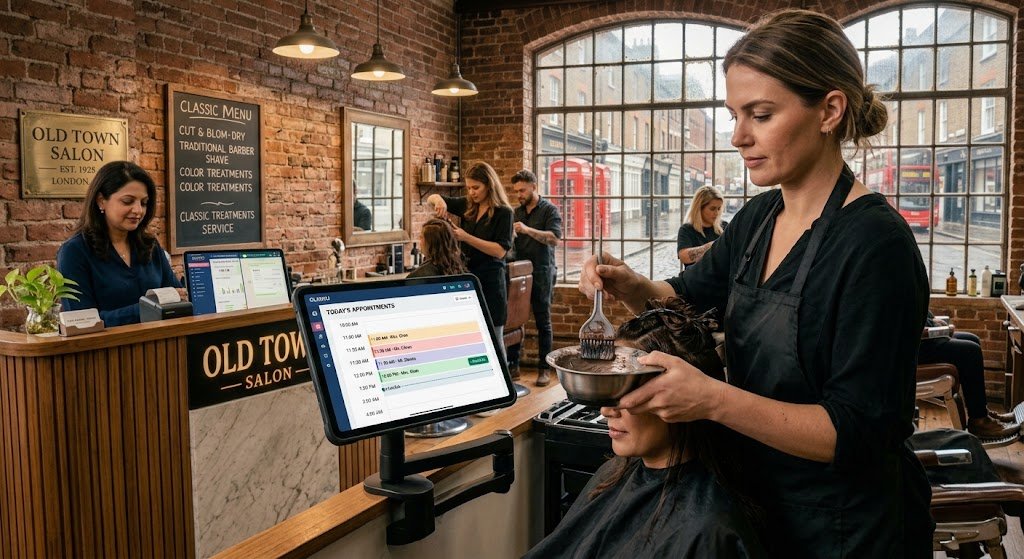
Ask a stylist what they want from software and you won’t get a feature list. You’ll get something like “I just want to see my day, and I want my commission to be right.” That’s a better brief than most product pages.
After a lot of time with hair salons, we’d say about twelve features do almost all the work. If hair salon software gets these right, the team uses it. If not, the paper diary comes quietly back out of the drawer within a month.
Bookings
1. A column for every stylist
Each stylist sees their own day; the front desk sees everyone at once. And the system should stop you before you put two clients in the same chair at 11:30.
2. Durations that match real life
A full head of foils isn’t a fringe trim. Each service needs its own length so the diary doesn’t pretend you can do six colours before lunch.
3. Online booking and a reminder the day before
A link on your Instagram bio, plus a reminder with a confirm or cancel button. If someone cancels the night before, you’ve still got time to fill the slot.
Colour and stock
4. Colour tracked by the gram
This one pays for the software on its own. Tell it once how much colour and developer a service uses, and it deducts that every time the service is billed. When you count the shelf at the end of the month, you can see exactly where the product went, and whether someone’s been heavy-handed.
5. Warnings before you run out
Nobody wants to discover there’s no 7.1 left halfway through a client. Low-stock alerts, plus a reorder list grouped by supplier that you can send on WhatsApp.
6. Visit history on the client’s record
What she had last time, who did it and what she spent, right there on her profile, so any stylist can pick up where the regular one left off when she’s on holiday.
At the desk
7. Checkout straight from the appointment
The bill opens with the client and services already on it, the stylist on every line. Walk-ins and quick barber cuts take seconds. The full walkthrough is in how salon billing software works.
8. Rebook before they leave
If your salon builds one habit this year, make it this. One tap books the next visit four, six or eight weeks out, same stylist, same services. Clients who leave with a booking come back far more reliably than clients who “will call”.
9. Retail with a barcode scanner
Scan the shampoo with the phone camera or a USB scanner and it’s on the bill. Retail commission stays separate from service commission, which most stylists care about a lot.
The team
10. Commission that matches how you pay
Two people on one colour, split by percentage. Different rates for services and retail. A bonus rate when someone hits their monthly target. Our staff commission guide has worked examples.
11. Attendance and payout in one place
Attendance marked daily, then salary, commission, tips and advances combined into one payout with a payslip you can print or send.
12. A scorecard you can actually coach from
Sales, average bill, returning clients and retail share for each stylist. It’s useful for pay reviews, but even more useful for spotting who keeps clients coming back.
Things that sound impressive and rarely get used
- Sixty report types. You’ll look at sales, staff, stock and profit. That’s it.
- A full marketing suite. Birthday messages, a nudge to clients who’ve gone quiet and a review request after each visit cover most of it.
- A “premium” tier for things like reminders or online booking. Those are basics.
A word for barbers
Barbershops need the same core with more walk-ins: a quick bill, commission per chair and fast retail at the end. Everything above still applies.
Seeing it for real
Salonipy’s hair salon software does all twelve, on Android, Windows and the web. If you’re in the UK, our UK buyer’s guide covers VAT and chair rent too. Or skip the reading: set up your three busiest services on the free trial and book a fake client into your own column.
Related: Hair salon software · Backbar cost per service · Staff commission guide